Using QR Codes and Tracking the interactions
Add PostGrid QR code trackers to SFMC mail templates and monitor recipient engagement within Salesforce Marketing Cloud.
If you wish to add a QR Code in your template and track the engagement of your mailings, you can easily use PostGrid QR Code and PURL Tracker by following the steps for adding QR codes and PURLs to your mailings.
Once your tracker is created in your PostGrid account, you’ll be able to monitor engagement directly within Salesforce Marketing Cloud.
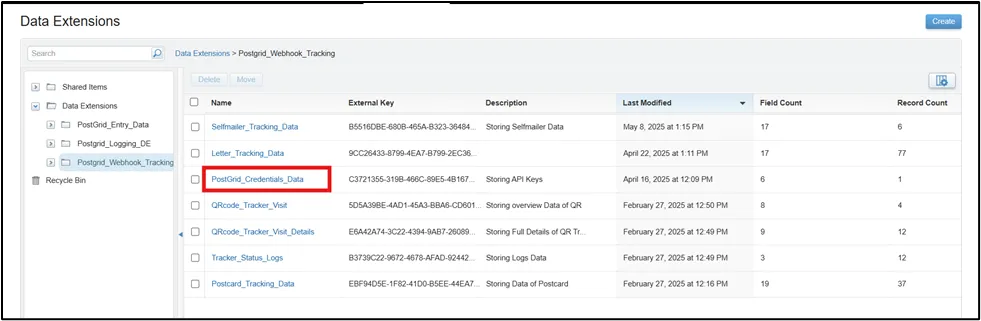
Add the Tracker URL to the PostGrid_Credentials_Data Data Extension in the
Postgrid_Webhook_Tracking folder.
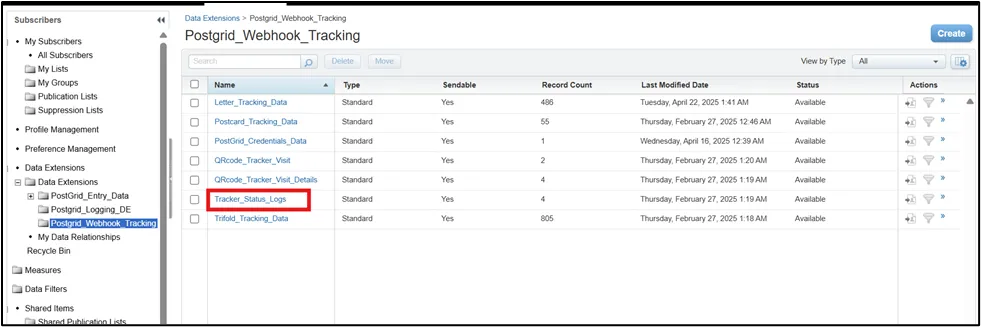
View API responses in the Tracker_Status_Logs Data Extension in the
Postgrid_Webhook_Tracking folder.
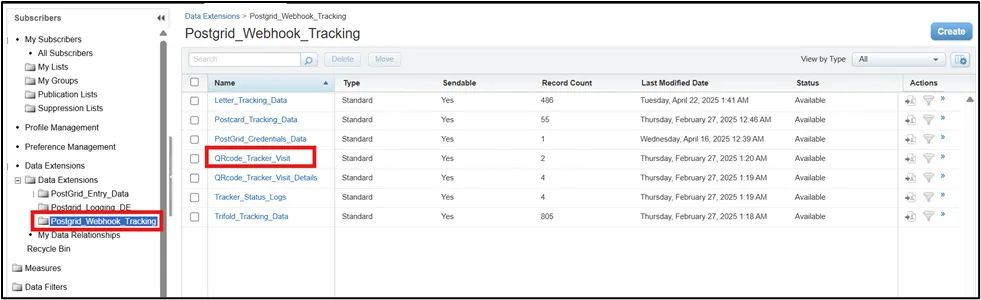
Monitor engagement metrics such as Unique and Total Visits in the
QRcode_Tracker_Visit Data Extension in the Postgrid_Webhook_Tracking folder.
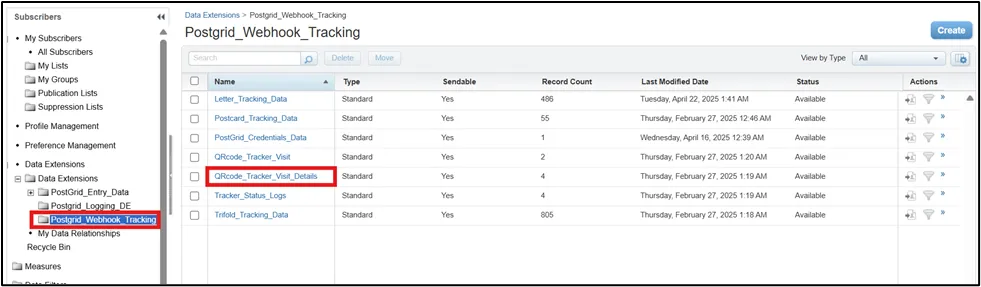
Review detailed visit logs in the QRcode_Tracker_Visit_Details Data Extension
in the Postgrid_Webhook_Tracking folder.