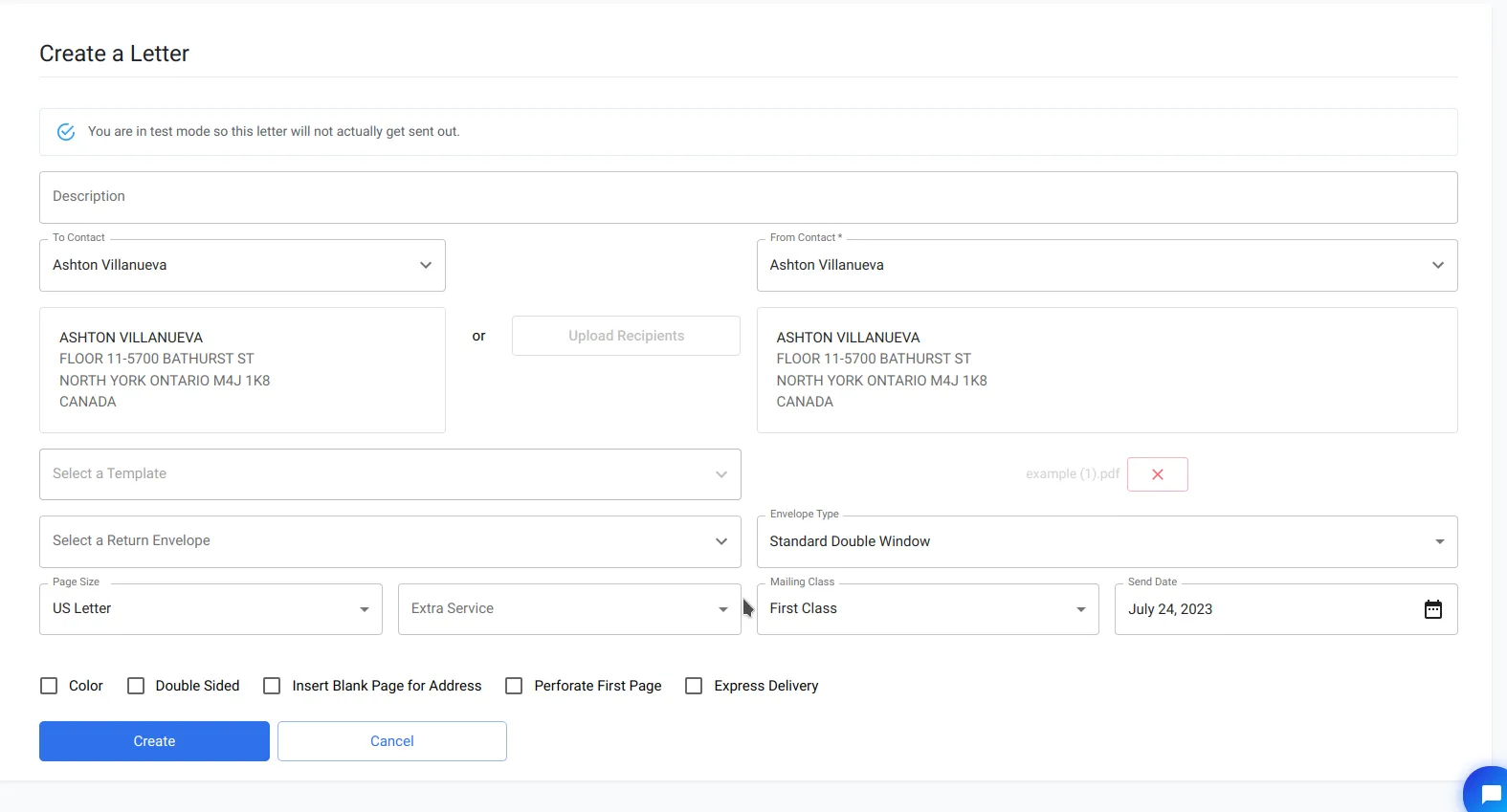
Resizing PDF Files for Dashboard Use
How to resize a PDF to the correct page dimensions before uploading it as a letter or other mail piece in PostGrid.
How to resize your PDF file for manual submission to the PostGrid dashboard.
If you’re sending letters via the PostGrid dashboard and your PDF file does not fit our guidelines, you can follow these steps to resize your PDF.
-
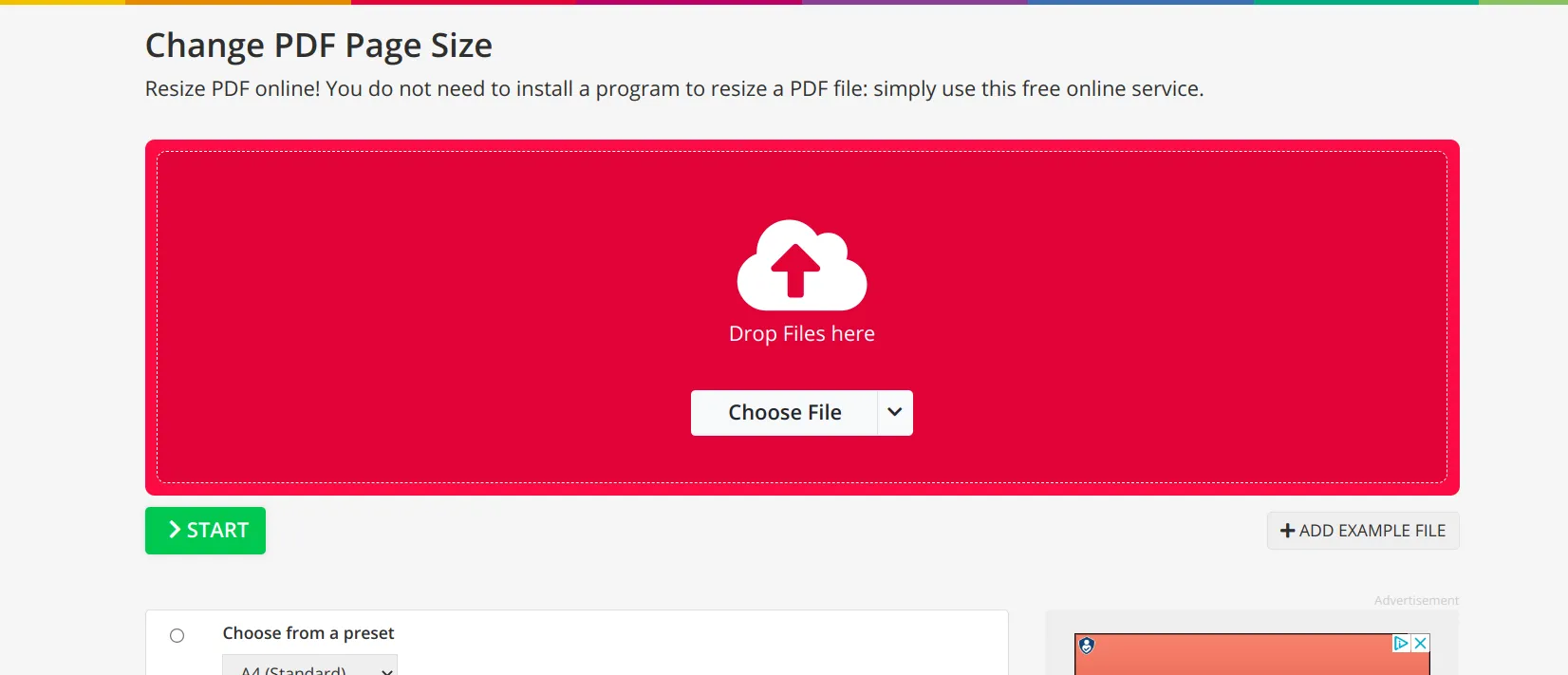
Visit https://www.pdf2go.com/resize-pdf
-
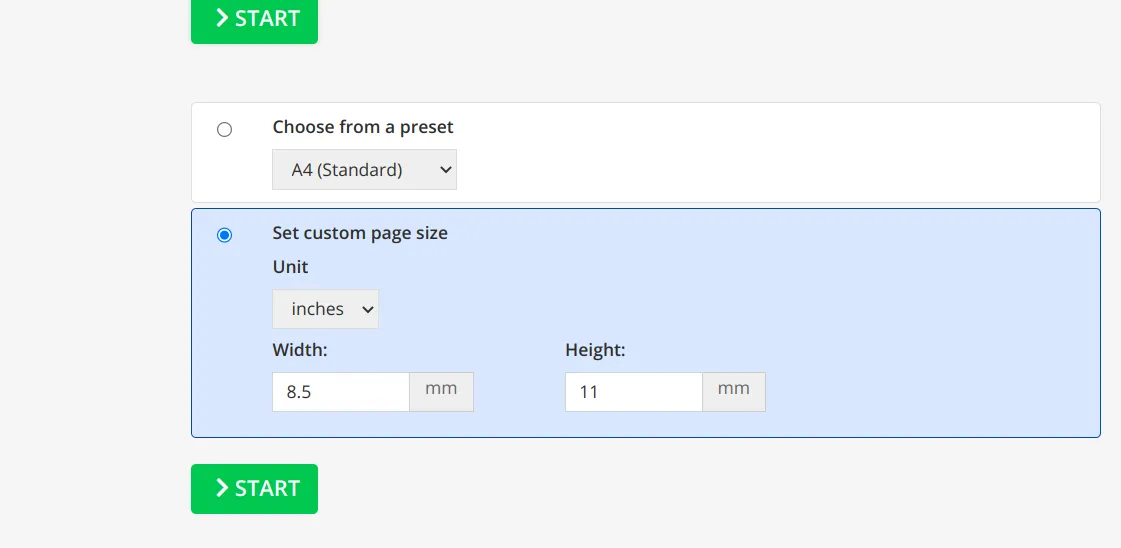
Upload your PDF file, select “Set custom page size” and enter the size you desire (in this case, 8.5 inches by 11 inches for US letters)
-
Click “Start” and wait for the result
-
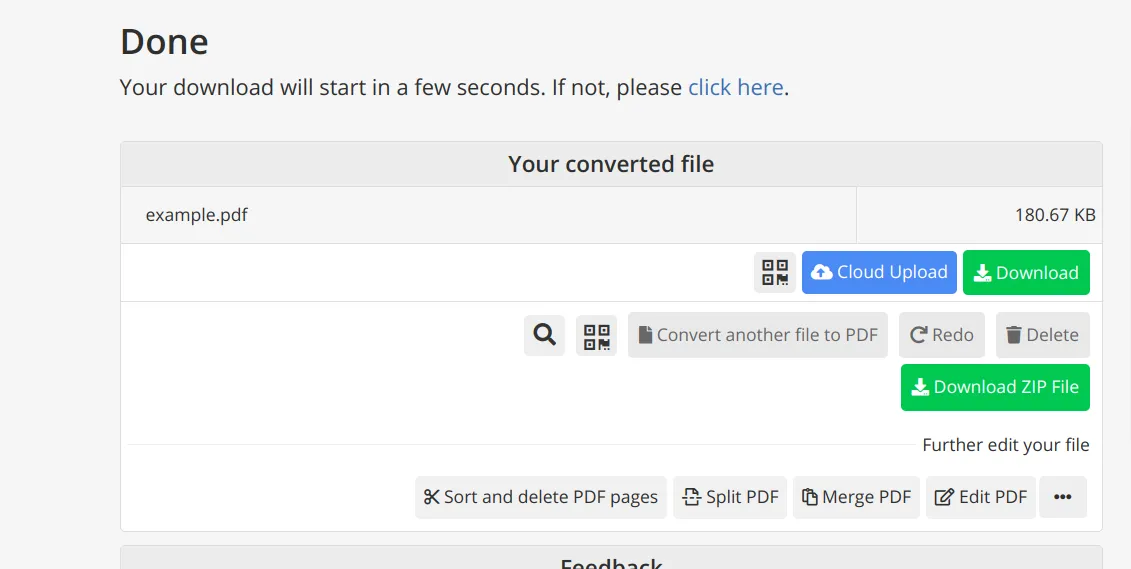
Click download to download the resized file. Confirm that it looks correct; you should now be able to submit this file to PostGrid