Additional Configuration and MFA
How to configure multi-factor authentication and additional security settings for PostGrid SSO through the Okta Admin Console.
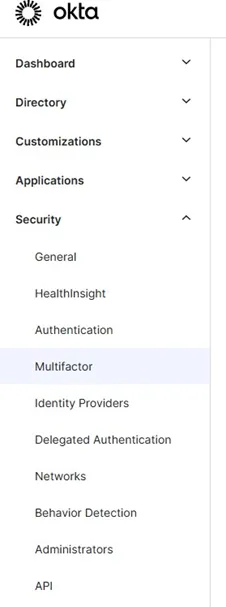
For additional security measures, PostGrid recommends managing this via Okta. To manage security, you may simply navigate to the security tab along the left and find the desired setting.
Accessing Security Settings
Section titled “Accessing Security Settings”In your Okta Admin Console, locate the Security section in the left navigation menu. This section includes:
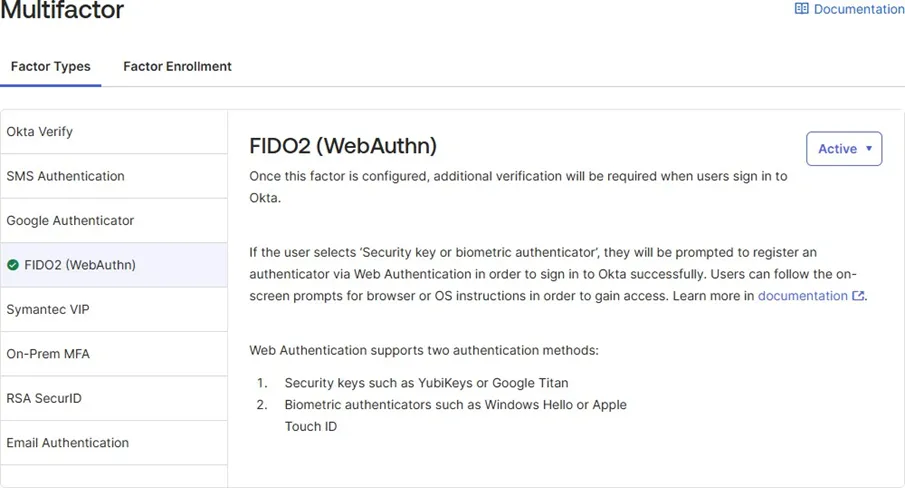
Example: Enabling FIDO2 (WebAuthn) MFA
For example, from the “Multifactor” controls page, you may enable FIDO2 (WebAuthn) with just a few clicks.
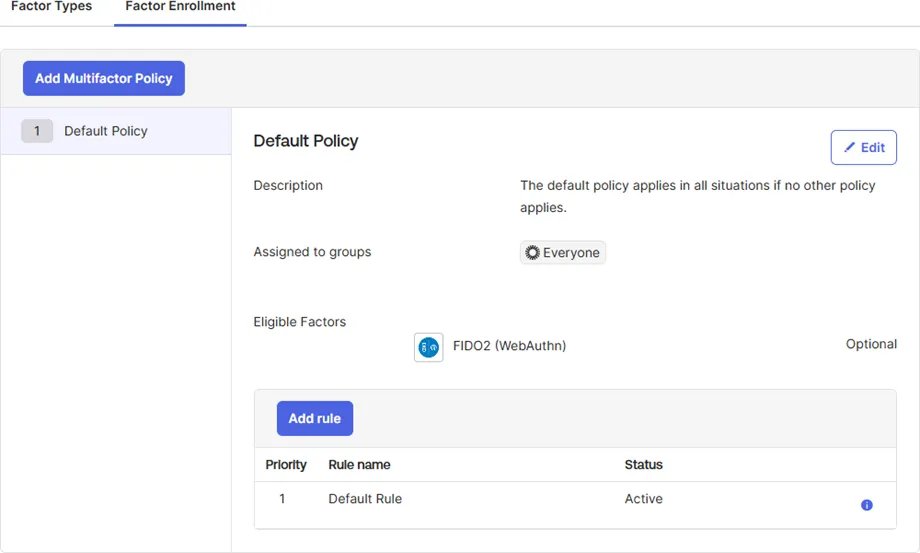
Moreover, you may also control your assignment to these multifactor rules to your organisation’s content under the “Factor Enrollment” tab. Below captures an example of all users requiring WebAuthn MFA.