
Make
Overview of PostGrid's Make.com integration — automate address verification and mailing workflows using pre-built modules within a Make scenario.
Overview
Section titled “Overview”This guide provides step-by-step instructions on using PostGrid’s pre-built Modules for Make.com. The integration allows you to automate mailing workflows, including sending Letters, Postcards, Self-Mailers, and running Address Verification directly within a Make scenario
Requirements
Section titled “Requirements”- PostGrid API credentials (Test and Live API Keys).
- Make.com account
- Access to your data source, such as Google Sheets, Hubspot, Salesforce, etc.
Adding PostGrid to Make Scenario
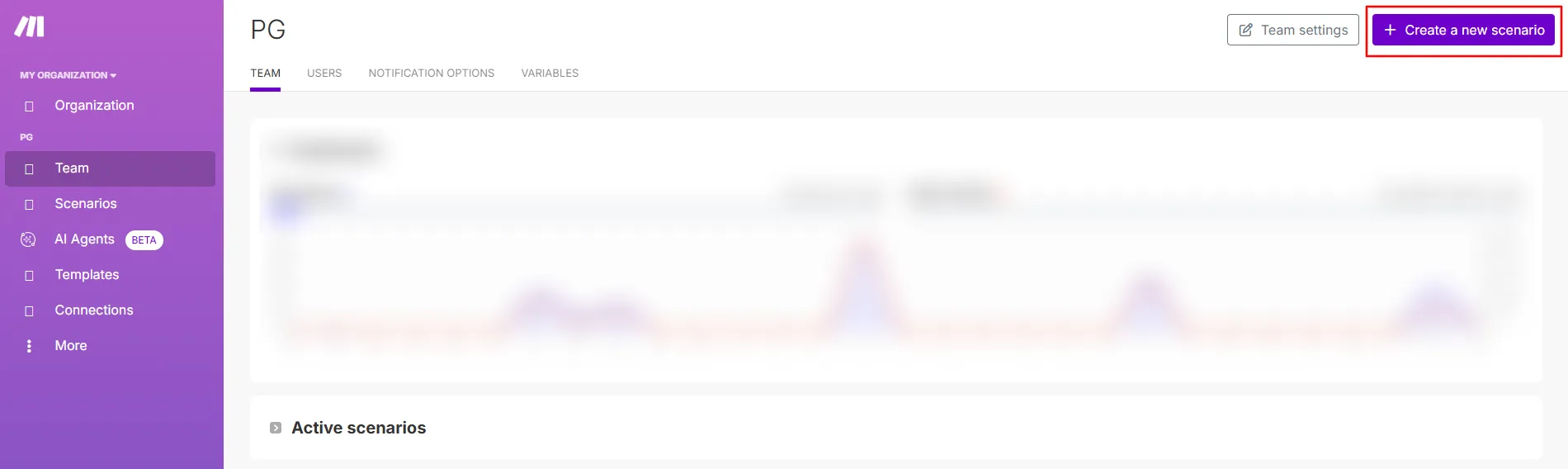
Section titled “Adding PostGrid to Make Scenario”Log in to your Make.com account, and click on Create a new scenario.
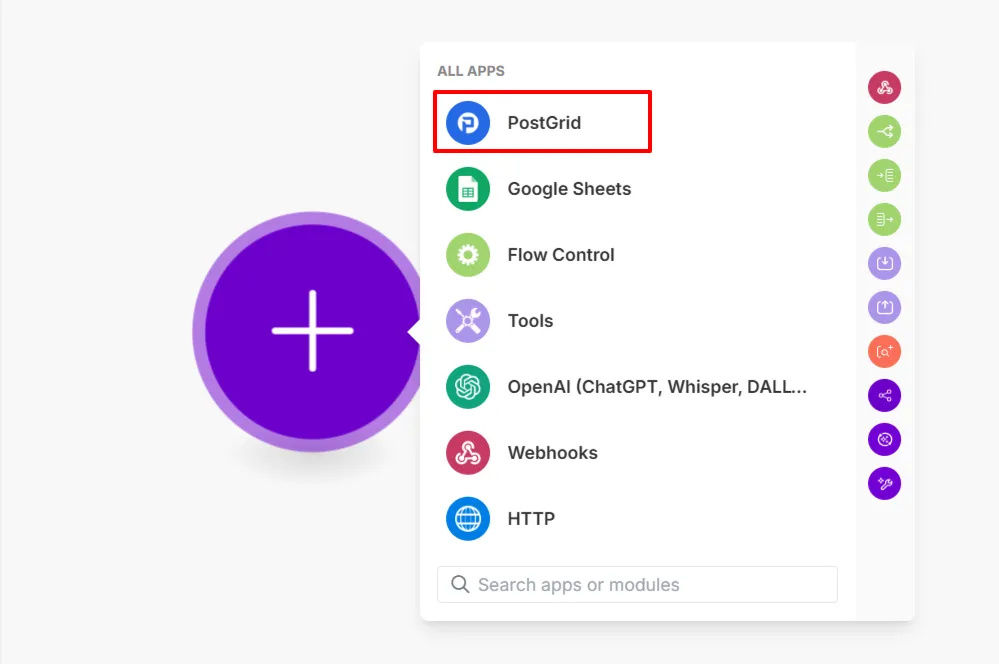
Search for PostGrid and select it.
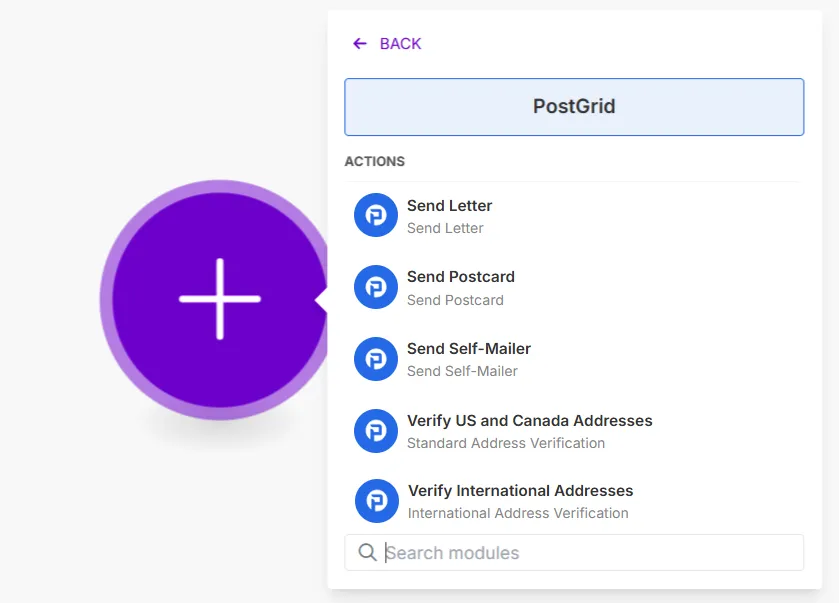
Choose one of the available actions
Connecting to PostGrid
Section titled “Connecting to PostGrid”For any action, the first step is to connect your PostGrid account by creating a connection with your API Key. You can use either your Test or Live API Key.
You can learn more about where to find your API keys in the PostGrid dashboard API Keys section
It’s recommended to start with your Test API Key. Once you confirm your scenario works as expected, switch to your Live API Key.